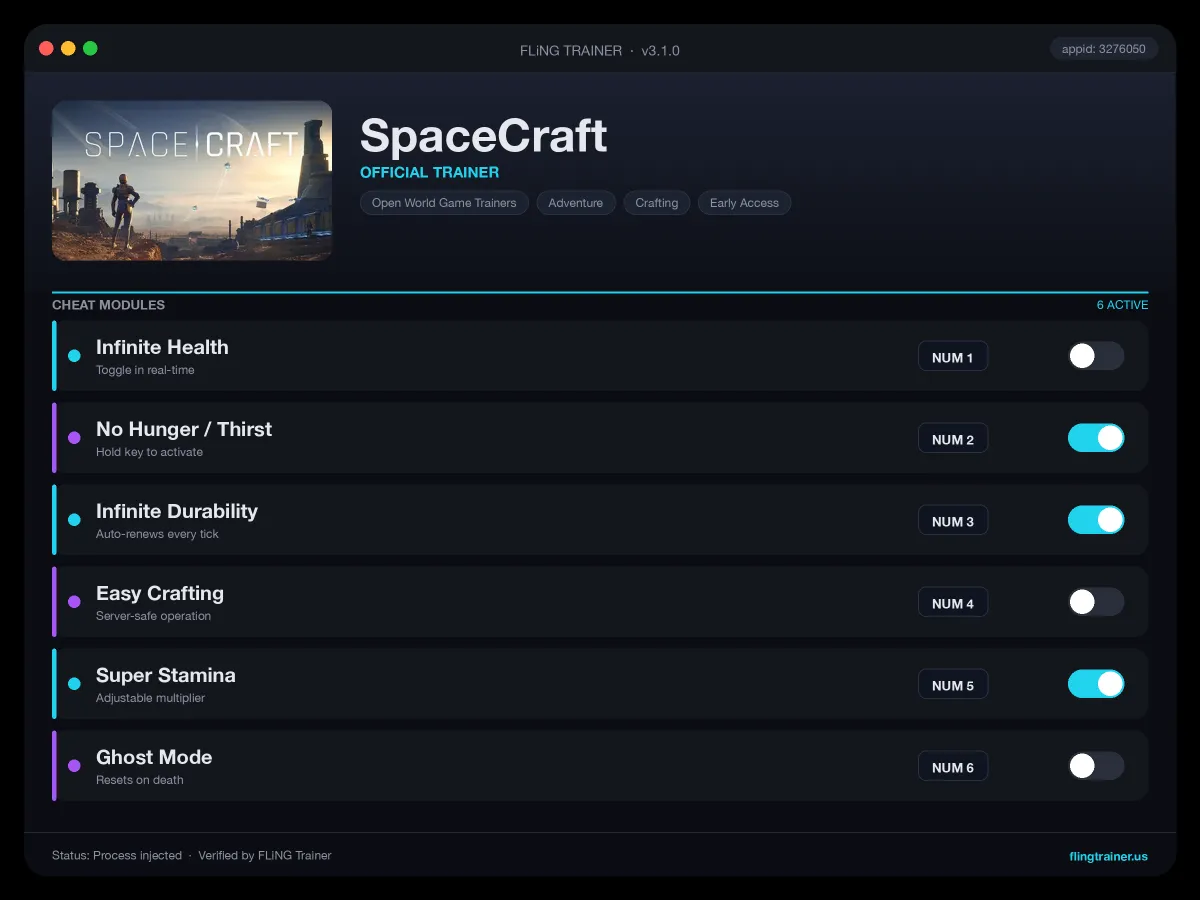
Welcome to the SpaceCraft trainer page on FLiNG Trainer. This page covers the full SpaceCraft Trainer — options, installation, compatibility, and the most typical questions players ask.
At a Glance
- 🎮 SpaceCraft by Shiro Games · published by Shiro Games
- 📅 20 May, 2026
- 🏷️ Early Access, Space, Sci-fi, Open World, Adventure, Sandbox
- 🧪 Trainer tested on Steam build — Windows 10 / 11 x64
About SpaceCraft
About This Game Be part of a galaxy that evolves through player actions. Mine, craft, trade resources and ship parts. Buy and sell blueprints, accept or offer services, missions and contracts. As you explore and scan new systems, equip yourself with a variety of tools to extract raw materials. True power lies in teamwork. Whether you’re building small, nimble vessels or heavy transport cruisers, each added component impacts their performance. Develop interplanetary production and logistics by assigning roles, dividing tasks, and managing everything from minor crews to vast commercial empires. Freely explore an immense universe where the vastness of space stretches before you, full of untold possibilities. Pilot your spaceship and journey through systems brimming with planets, asteroid fields, abandoned space stations and derelict ships. Cover great distances in an instant with Faster-Than-Light technology, jumping between distant systems with ease. As you progress on your vast journey, maximize efficiency and expand the scale of your enterprise by Once you have perfected your ship, sell its blueprint allowing others to construction and pilot your creation. Planets hold an abundance of natural resources ready to be uncovered and exploited. Participate and adapt to the economy of the Universe, as each marketplace transaction affects prices. Craft these resources into valuable materials or ship parts, and trade or sell them. Scan your environment and use your ship to mine, extract and gather resources. Build your ships by assembling crafted parts. Create or join Corporations and collaborate on a larger scale. Alternatively, buy blueprints from other players for ready-made designs that you can build instantly. You’re fully free to explore it. Whether you’re scanning planets for valuable resources or charting a course to forgotten worlds, the Universe is yours.
Official Steam page: SpaceCraft on Steam — published by Shiro Games.
Frequently Asked Questions
Is the SpaceCraft trainer free to download?
Yes — this build is 100% free. No paid unlocks, no forced registration, no hidden fees on FLiNG Trainer.
Will this trainer trigger my antivirus?
Some antivirus programs flag trainers as false positives because they modify running-game memory. Temporarily disable real-time protection or whitelist the folder before launching.
How do I activate it?
Launch the game first, then run the trainer as administrator. Use the listed hotkeys (F1, F2, etc.) in-game to toggle each option.
Can I request a new feature?
Yes — send a request via the comment section. Requests with a specific save file or reproduction steps are prioritized.
Which game version does this build support?
The release targets the latest Steam edition of SpaceCraft. Earlier versions may work but are not officially supported.
This advanced SpaceCraft trainer ships with 10 fully working options tailored for the survival genre. Each one is memory-driven and toggled from a hotkey, so you never leave the game window:
- No Building Cost — Structures build for zero materials.
- Infinite Arrows / Bolts — Ranged projectiles auto-refill.
- Unlimited Gold Coins — In-game shop currency maxed.
- Unlimited Power / Fuel — Generators and engines run endlessly.
- Unlock All Blueprints — Every recipe discovered.
- Freeze Enemy — AI mobs pause in place.
- Unlimited Bullets (Guns) — Firearm ammo never depletes.
- Unlimited Medkits — Medical items never consumed.
- Unlimited Oxygen (Underwater) — Lung meter disabled.
- No Disease / Infection — Clears all active debuffs on toggle.
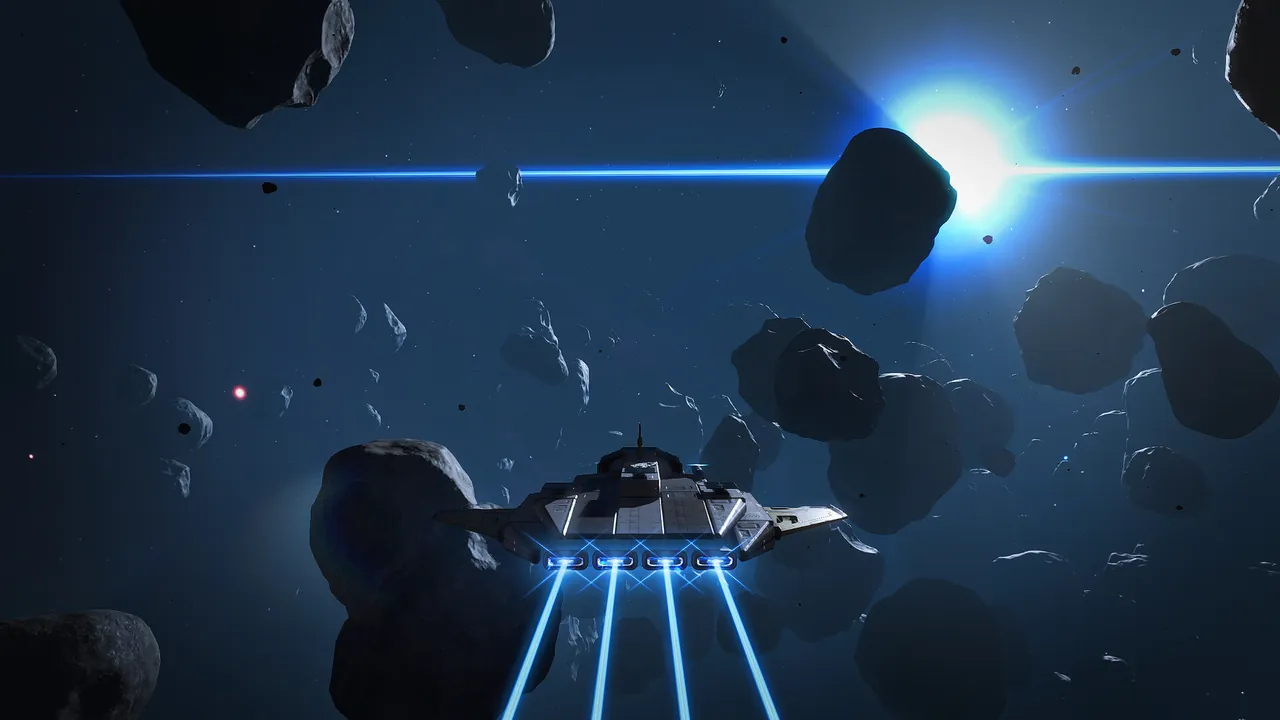
Screenshots
How to Install
- Download the archive from the link below.
- Right-click the archive and extract it with 7-Zip or WinRAR (password: flingtrainer).
- Temporarily disable your antivirus or whitelist the extracted folder.
- Launch SpaceCraft and load any save.
- Alt-Tab out of the game, right-click the trainer executable and choose “Run as administrator”.
- Back in-game, press the listed hotkeys (usually F1, F2, F3…) to toggle each option.
- Avoid alt-tabbing repeatedly while cheats are active — some toggles reset on window switch.
Pro Tips from the Editor
- Pair One-Hit Kill with Stealth Mode in open-world maps to clear camps without spawning reinforcements.
- Quick-save in SpaceCraft just before toggling any XP or economy cheat — that way a rogue multiplier never snowballs your progression.
- Keep Mega Damage disabled during boss phase transitions — skipping a phase can leave the fight unkillable.
- Run the trainer after loading into a save, not from the main menu. Some games replay the intro with modified memory and glitch.
How This Trainer Compares
Compared to generic cheat engines, this release ships with pre-built, version-locked hotkeys — no manual pointer hunting, no CE-script imports, no waiting for community tables to catch up. The downside is less flexibility: you cannot add custom options, but the upside is near-zero setup friction and a faster patch cycle after every Shiro Games update.
Known Limitations
- Online and co-op modes are unsupported. Use the trainer offline only.
- Several options (mega damage, one-hit kill) may break scripted boss encounters — turn them off before cutscenes.
- Antivirus false positives are routine; the trainer injects into process memory, not system files.
Related Trainers
Editor: Kenji Adler. Former modder. Writes feature breakdowns, hotkey guides, and deep-dive reviews of single-player cheat suites on Windows.
Antivirus False Positive Notice
This trainer uses memory-editing technology to modify game values in real time. Some antivirus programs may flag it as suspicious — this is a known false positive common to all memory-editing software, not an indication of malware.
Verify the file yourself: Upload it to VirusTotal.com to scan with 70+ antivirus engines before running.