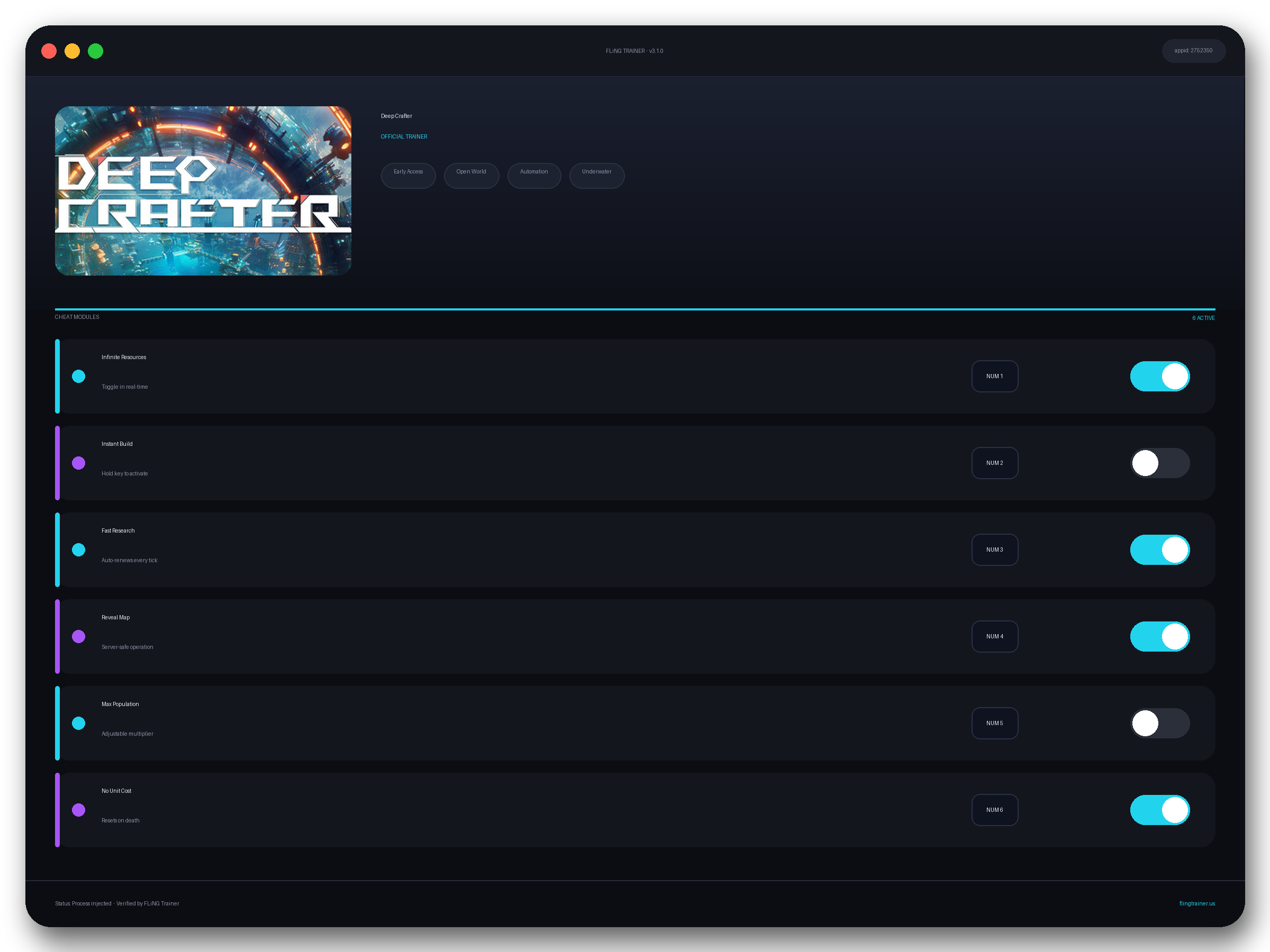
Welcome to the Deep Crafter trainer page on FLiNG Trainer. The following review covers the entire Deep Crafter Trainer — options, installation, compatibility, and the most frequent questions players ask.
At a Glance
- 🎮 Deep Crafter by Deep Crafter Studio · published by Samar Studio
- 📅 4 Jun, 2026
- 🏷️ Early Access, Open World, Automation, Underwater, Exploration, Sci-fi
- 🧪 Trainer tested on Steam build — Windows 10 / 11 x64
About Deep Crafter
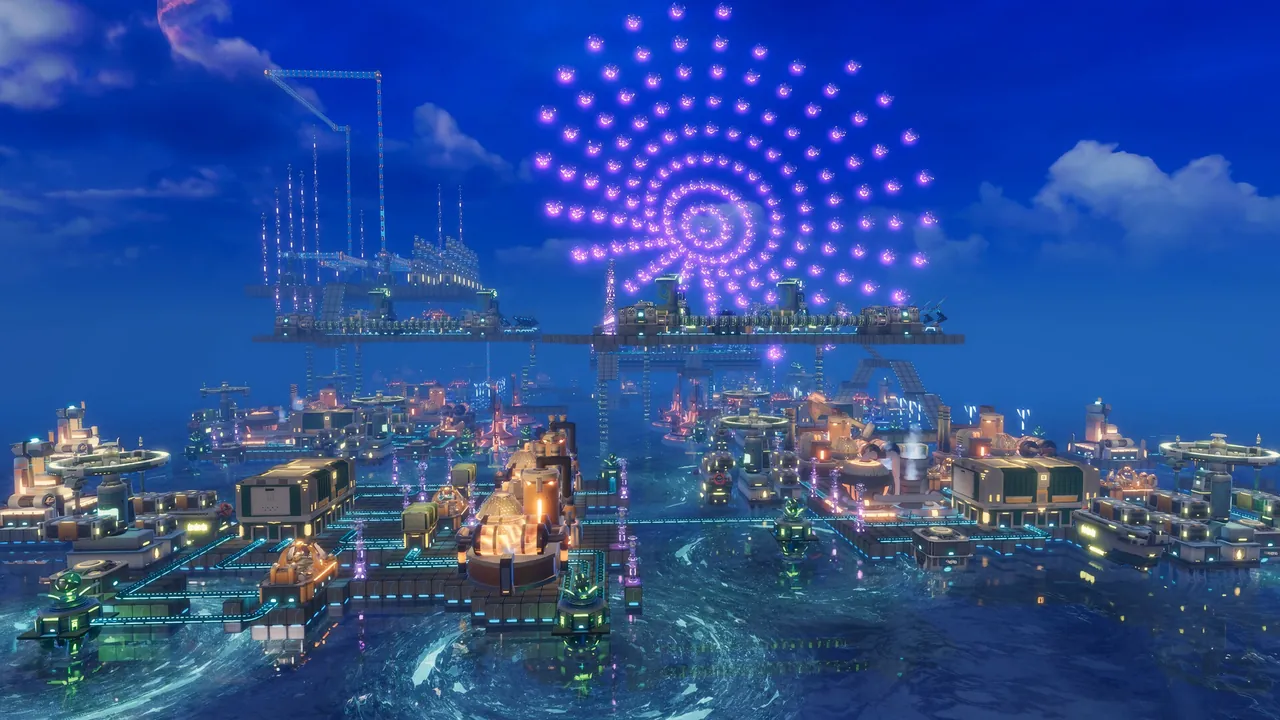
About This Game Build a Sustainable Industrial System in the Alien Deep Sea from Scratch You are deployed to an ocean-covered alien world 15 light-years away. Against the backdrop of Earth’s magnetic field crisis, this planet is not only a refuge, but also a testing ground for the continuation of industrial civilization. Design flaws may not be obvious early on, but will be magnified as your operation scales. Design Factories — Not Just Stack Buildings Deep Crafter’s industrial system emphasizes the balance between structure and efficiency. Different depths and regions are influenced by day-night cycles, ocean currents, and ecosystem states, directly affecting the types and efficiency of collectible resources. From basic processing to multi-stage manufacturing, the layout and logistics connections between assembly plants, conveyor belts, and vertical elevators directly determine overall production capacity. Certain key discoveries may unlock entirely new processing methods, forcing you to readjust your existing industrial systems. Explore the Unknown Deep Sea and Unlock New Production Paths Seafloor regions are procedurally generated, with constantly changing terrain structures, resource distribution, and environmental conditions. Exploration is not just about finding resources — it is about discovering new production paths. Starting from basic resource gathering and energy infrastructure, you will deploy underwater oil/mining drones, wind turbines, and functional floating platforms, gradually expanding a fragile starting point into a long-term, fully operational industrial base. You need foresight and long-term planning to build the most elegant steel networks under extreme ocean pressure. Automation Is Not Just Acceleration — It’s Decision Liberation Through fully automated collection, processing, and logistics systems, resources flow autonomously throughout the deep sea. Once basic operations are handled by automated systems, you are freed from tedious manual tas
Official Steam page: Deep Crafter on Steam — published by Samar Studio.
Frequently Asked Questions
Is the Deep Crafter trainer free to download?
Yes — this build is 100% free. No paid unlocks, no forced registration, no hidden fees on FLiNG Trainer.
Will this trainer trigger my antivirus?
Some antivirus programs flag trainers as false positives because they modify running-game memory. Temporarily disable real-time protection or whitelist the folder before launching.
Can I request a new feature?
Yes — send a request via the comment section. Requests with a specific save file or reproduction steps are prioritized.
Does it work in online or multiplayer mode?
No. Use this build only in offline or single-player mode. Online anti-cheat systems (EAC, BattlEye, VAC) can ban your account.
How do I activate it?
Launch the game first, then run the trainer as administrator. Use the listed hotkeys (F1, F2, etc.) in-game to toggle each option.
This powerful Deep Crafter trainer ships with 11 fully working options tailored for the survival genre. Each one is memory-driven and toggled from a hotkey, so you never leave the game window:
- Freeze Day/Night Cycle — Locks time of day for safe building.
- No Thirst — Thirst meter stays full.
- Instant Craft — Crafting timers zeroed.
- Unlimited Health — Auto-refills HP per tick.
- No Hunger — Hunger meter stays full.
- Super Speed — Walk and sprint accelerated.
- Infinite Items / Stack — Consumable stacks locked at max.
- Super Jump — Vertical leap 3x.
- No Cold / Heat Damage — Environmental damage neutralized.
- One-Hit Chop / Mine — Trees and rocks fall in one hit.
- No Weight Encumbrance — Inventory carry-weight removed.
Screenshots
How to Install
- Download the archive from the link below.
- Right-click the archive and extract it with 7-Zip or WinRAR (password: flingtrainer).
- Temporarily disable your antivirus or whitelist the extracted folder.
- Launch Deep Crafter and load any save.
- Alt-Tab out of the game, right-click the trainer executable and choose “Run as administrator”.
- Back in-game, press the listed hotkeys (usually F1, F2, F3…) to toggle each option.
- Avoid alt-tabbing repeatedly while cheats are active — some toggles reset on window switch.
Pro Tips from the Editor
- Pair One-Hit Kill with Stealth Mode in open-world maps to clear camps without spawning reinforcements.
- Quick-save in Deep Crafter just before toggling any XP or economy cheat — that way a rogue multiplier never snowballs your progression.
- Run the trainer after loading into a save, not from the main menu. Some games replay the intro with modified memory and glitch.
- Apply the trainer only on the Steam build. Pirated, cracked or region-specific copies often have shifted memory offsets and the cheats silently fail.
How This Trainer Compares
Compared to generic cheat engines, this release ships with pre-built, version-locked hotkeys — no manual pointer hunting, no CE-script imports, no waiting for community tables to catch up. The downside is less flexibility: you cannot add custom options, but the upside is near-zero setup friction and a faster patch cycle after every Samar Studio update.
Known Limitations
- Online and co-op modes are not supported. Use the trainer offline only.
- Several options (mega damage, one-hit kill) may interfere with scripted boss encounters — disable before cutscenes.
- Antivirus false positives are routine; the trainer injects into process memory, not system files.
Related Trainers
Editor: Marcus Reinholt. PC-gaming editor since 2014. Reviews trainers for the Steam/Epic ecosystem and writes the weekly cheat-release digest on FLiNG Trainer.
Antivirus False Positive Notice
This trainer uses memory-editing technology to modify game values in real time. Some antivirus programs may flag it as suspicious — this is a known false positive common to all memory-editing software, not an indication of malware.
Verify the file yourself: Upload it to VirusTotal.com to scan with 70+ antivirus engines before running.