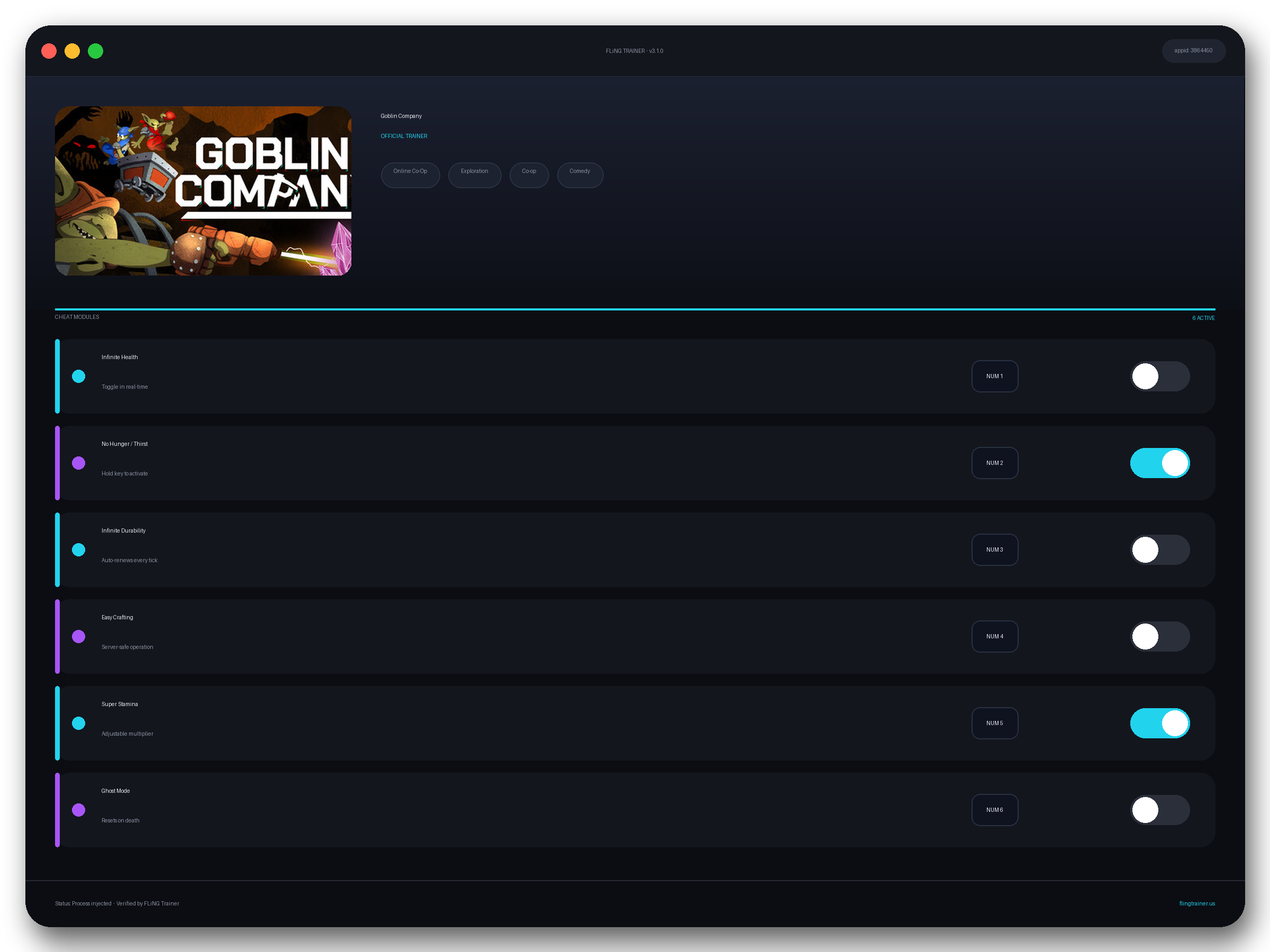
Welcome to the Goblin Company trainer page on FLiNG Trainer. This page covers the full Goblin Company Trainer — options, installation, compatibility, and the most common questions players ask.
At a Glance
- 🎮 Goblin Company by BitBorne Studio · published by BitBorne Studio
- 📅 12 Jun, 2026
- 🏷️ Online Co-Op, Exploration, Co-op, Comedy, Funny, Building
- 🧪 Trainer tested on Steam build — Windows 10 / 11 x64
About Goblin Company
About This Title DIG. SURVIVE. GET RICH… OR DIE TRYING GOBLIN COMPANY is a co-op mining game where every meter you dig could be your last. Armed with laser drills, you and your fellow Goblins must reach the legendary Giant Crystal in the WHAAG MINING INC mines. But the depths hold ravenous creatures and a darkness that devours sanity. Can you claim the treasure? smarter? Dynamic torch system: carry them, throw them, or place them strategically GEAR UP & GO FASTER Upgrade your laser, boost your abilities, and customize your Goblin to operate harder, faster, and… DIG EVERYWHERE Carve your own paths through the caves Shape the environment according to your exploration strategies MINING TRANSPORT SYSTEM Build a rail network for mining carts Optimize routes to maximize efficiency while you explore FEAR OF THE DARK MANAGEMENT Stay in the light or anxiety will consume you! Share torches to keep the darkness at bay, watch each other’s backs, and combine your efforts to uncover the path to the Giant Crystal PROGRESSION AND UPGRADES Bring back the old mining system to its original functionality Expand your mining operation with new Goblin technologies The Giant Crystal awaits in the deepest darkness It’s down there somewhere… we checked it If you find it, you’ll be rich If you die, they’ll just send another Goblin FEATURES Dig together with up to 4 players Explore, fight, and gather resources 3 different biomes to discover Build your own railway network Use torches to combat darkness Customize your Goblin Upgrade your equipment Unlock valuable tools Online co-op and offline single player Die and you’ll be replaced TEAM UP OR GO ALONE Face the depths alone or with up to 3 fellow Goblins.
Official Steam page: Goblin Company on Steam — published by BitBorne Studio.
Frequently Asked Questions
Can I request a new feature?
Yes — send a request via the comment section. Requests with a specific save file or reproduction steps are prioritized.
How do I activate it?
Launch the game first, then run the trainer as administrator. Use the listed hotkeys (F1, F2, etc.) in-game to toggle each option.
Who made this trainer?
It is compiled and QA-tested by the FLiNG Trainer team. Original game assets belong to BitBorne Studio.
Will this trainer trigger my antivirus?
Some antivirus programs flag trainers as false positives because they modify running-game memory. Temporarily disable real-time protection or whitelist the folder before launching.
Does it work in online or multiplayer mode?
No. Use this build only in offline or single-player mode. Online anti-cheat systems (EAC, BattlEye, VAC) can ban your account.
This robust Goblin Company trainer ships with 14 fully working options tailored for the simulation genre. Each one is memory-driven and toggled from a hotkey, so you never leave the game window:
- Unlimited Health — Auto-refills HP each frame while toggled.
- One-Hit Kill — Forces enemy HP to 1 on first hit.
- Super Speed — Boosts move speed 2–4x.
- Freeze Timer — Pauses mission and world timers.
- Unlimited Skill Points — Refreshes skill points after each spend.
- Game Speed — Slows or speeds up game time.
- Unlimited Money — Sets wallet counter to max after any transaction.
- Unlimited Ammo — Locks current magazine counter.
- Infinite Stamina — Freezes stamina and sprint gauges.
- God Mode — Locks your health pool at maximum.
- Max XP — Fast-levels your character.
- No Cooldowns — Removes ability and spell cooldowns globally.
- Infinite Items — Locks consumable stacks at max.
- Mega Damage — Multiplies your outgoing damage by 10x.
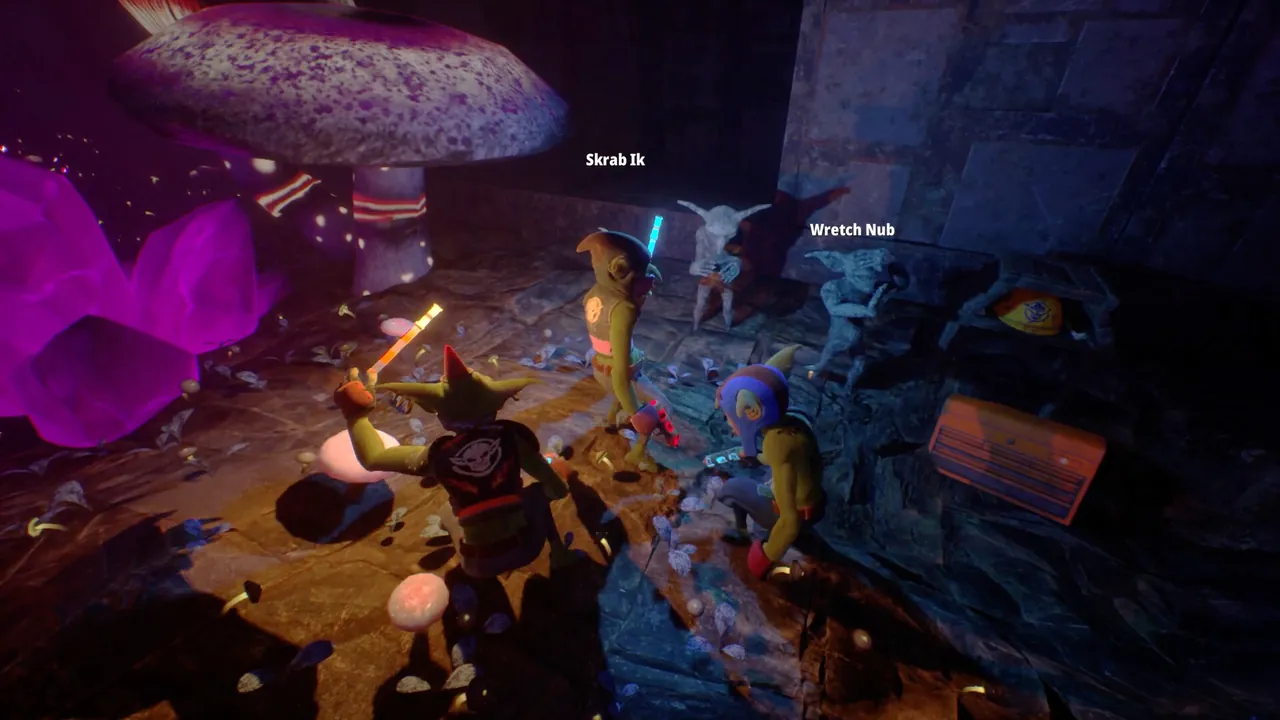
Screenshots
How to Install
- Download the archive from the link below.
- Right-click the archive and extract it with 7-Zip or WinRAR (password: flingtrainer).
- Temporarily disable your antivirus or whitelist the extracted folder.
- Launch Goblin Company and load any save.
- Alt-Tab out of the game, right-click the trainer executable and choose “Run as administrator”.
- Back in-game, press the listed hotkeys (usually F1, F2, F3…) to toggle each option.
- Avoid alt-tabbing repeatedly while cheats are active — some toggles reset on window switch.
Pro Tips from the Editor
- Keep Mega Damage disabled during boss phase transitions — skipping a phase can leave the fight unkillable.
- Pair One-Hit Kill with Stealth Mode in open-world maps to clear camps without spawning reinforcements.
- If Windows Defender deletes the exe on download, add the folder to exclusions before extracting the archive.
- Run the trainer after loading into a save, not from the main menu. Some games replay the intro with modified memory and glitch.
How This Trainer Compares
Compared to generic cheat engines, this release ships with pre-built, version-locked hotkeys — no manual pointer hunting, no CE-script imports, no waiting for community tables to catch up. The downside is less flexibility: you cannot add custom options, but the upside is near-zero setup friction and a faster patch cycle after every BitBorne Studio update.
Known Limitations
- Online and co-op modes are not supported. Use the trainer offline only.
- Some options (mega damage, one-hit kill) may soft-lock scripted boss encounters — turn them off before cutscenes.
- Antivirus false positives are common; the trainer injects into process memory, not system files.
Related Trainers
- Burglin’ Gnomes Trainer
- Inkwellers Trainer
- Deep Rock Galactic: Rogue Core Trainer
- Moonshiner Simulator Trainer
Editor: Elena Braun. QA engineer turned games-writer. Focuses on installation safety, anti-cheat compatibility, and version-drift testing for every trainer before publish.
Antivirus False Positive Notice
This trainer uses memory-editing technology to modify game values in real time. Some antivirus programs may flag it as suspicious — this is a known false positive common to all memory-editing software, not an indication of malware.
Verify the file yourself: Upload it to VirusTotal.com to scan with 70+ antivirus engines before running.