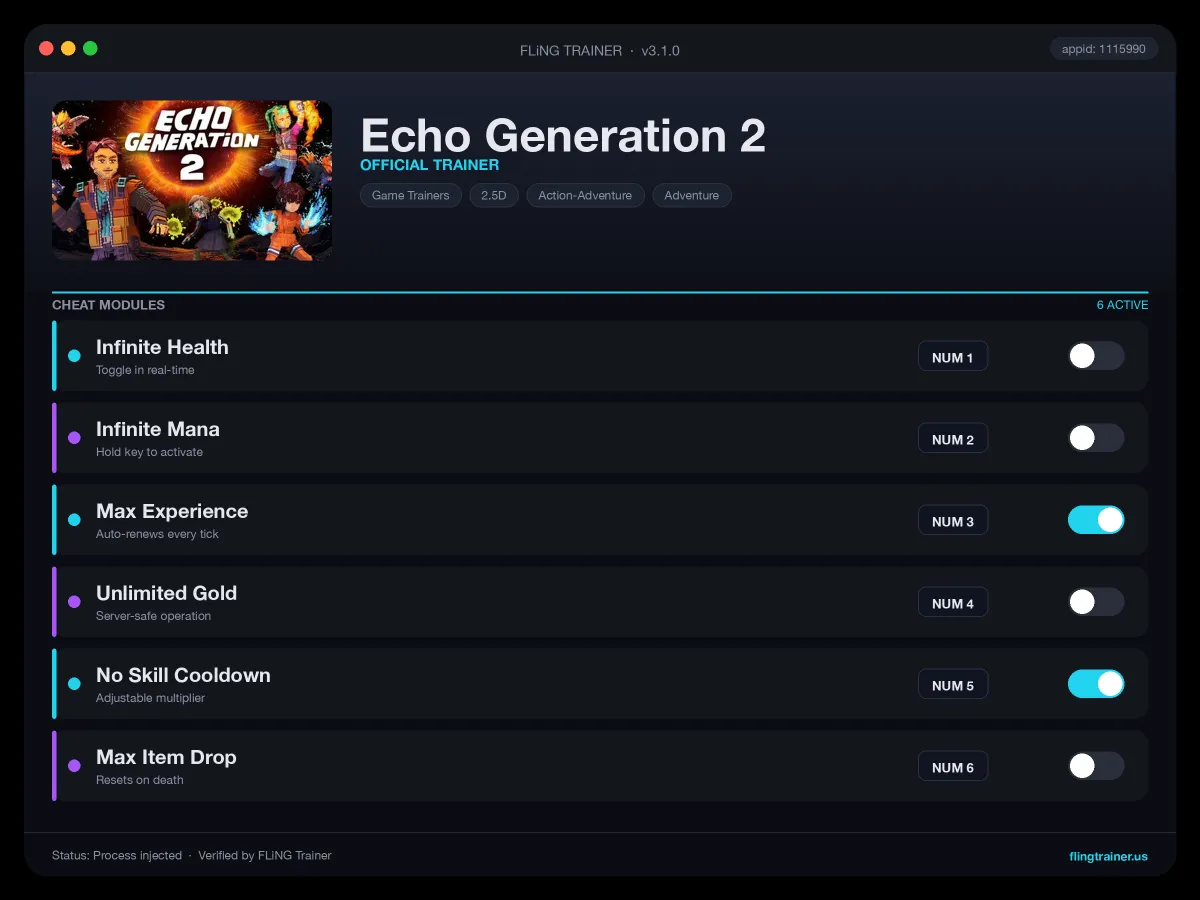
Welcome to the Echo Generation 2 trainer page on FLiNG Trainer. The following review covers the entire Echo Generation 2 Trainer — options, installation, compatibility, and the most typical questions players ask.
At a Glance
- 🎮 Echo Generation 2 by Cococucumber · published by Cococucumber
- 📅 27 May, 2026
- 🏷️ Turn-Based Combat, Action-Adventure, JRPG, Deckbuilding, Fantasy, Party-Based RPG
- 🧪 Trainer tested on Steam build — Windows 10 / 11 x64
About Echo Generation 2
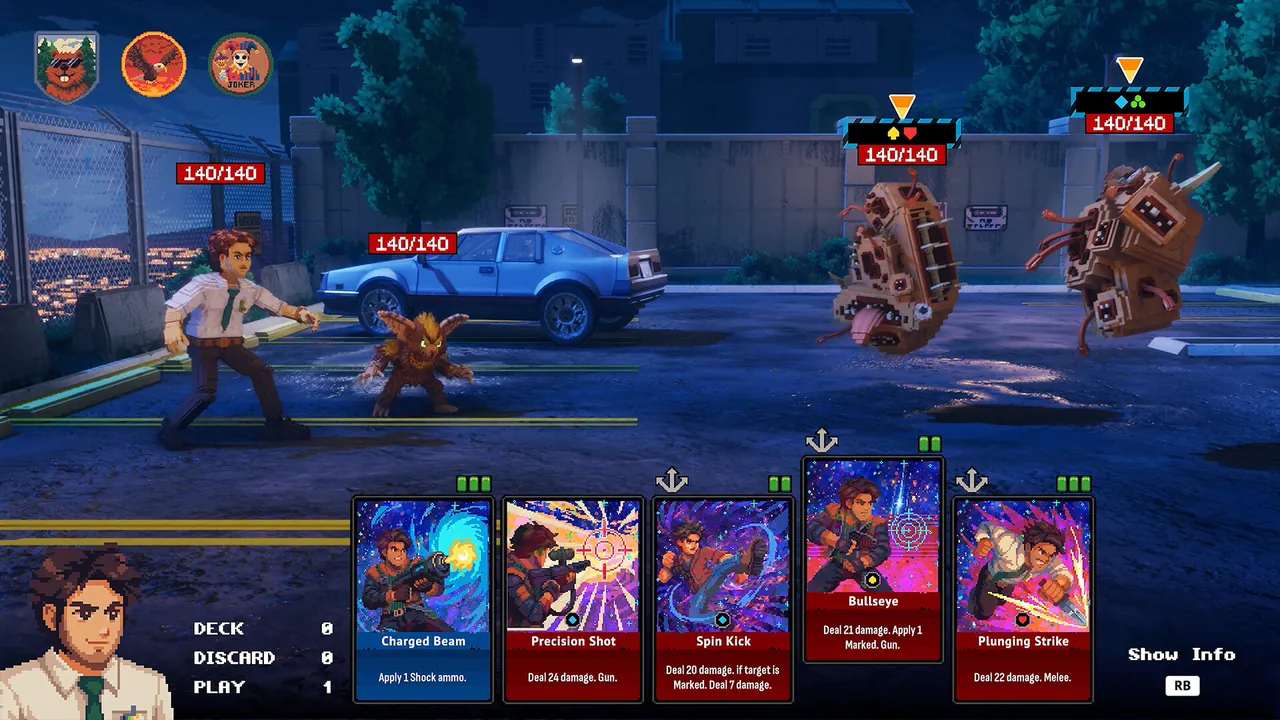
Match symbols to break enemy defenses, create openings, and unleash high-impact combos. Turn Up the Synths Cruise through the cosmos to an 80s-inspired analog synth soundtrack by Pusher, returning with an all-new interstellar score. What begins as a family vacation spirals into a mystery of hidden experiments, impossible realities, and the truth behind it all. Six Playable Heroes Build your party from six distinct characters, each with their own abilities, decks, and playstyles. Form a party of three in the Championships, and discover how characters work together to unlock powerful synergies. Break the Enemy Master a strategic stance system that rewards planning and timing. About This Game Echo Generation 2 is a turn-based sci-fi deckbuilding RPG from the creators of the award-winning Echo Generation (Best Indie Game, Best Narrative, Best Soundtrack). Build Your Strategy Customize your playstyle with deck choices, skill trees, and badge upgrades. A Multi-Perspective Story Experience a character-driven narrative told across multiple perspectives. Shape each hero to fit your approach and experiment with team compositions to overcome increasing threats. Each chapter follows different heroes, with distinct tones and worlds, from noir horror to neon-lit cyberpunk. As these stories unfold, connections emerge, revealing a larger mystery. Retro 3D Pixel Aesthetic Immerse yourself in a richly detailed voxel world, crisp, colorful, and nostalgically crunchy, blending retro charm with modern visual polish. In Echo Generation 2, you step into the past as Jack, the father.
Official Steam page: Echo Generation 2 on Steam — published by Cococucumber.
Frequently Asked Questions
Will this trainer trigger my antivirus?
Some antivirus programs flag trainers as false positives because they modify running-game memory. Temporarily disable real-time protection or whitelist the folder before launching.
Who made this trainer?
It is compiled and QA-tested by the FLiNG Trainer team. Original game assets belong to Cococucumber.
Can I request a new feature?
Yes — send a request via the comment section. Requests with a specific save file or reproduction steps are prioritized.
Is there a Windows 11 build?
Yes — tested on Windows 10 and Windows 11 (x64). Older Windows 7/8 builds are not maintained.
How do I activate it?
Launch the game first, then run the trainer as administrator. Use the listed hotkeys (F1, F2, etc.) in-game to toggle each option.
This robust Echo Generation 2 trainer ships with 12 fully working options tailored for the rpg genre. Each one is memory-driven and toggled from a hotkey, so you never leave the game window:
- Unlock All Maps — Reveals full world + dungeon fog of war.
- Max MP Boost — Expands mana pool per toggle.
- Max Relationship Points — Companion affinity pinned at max.
- Unlimited Potions — HP, MP, stamina potions never deplete.
- Max Crafting Level — Blacksmith, alchemy, enchant at max tier.
- Teleport To Waypoint — Fast-travel unlocked anywhere.
- Unlimited Gems / Crystals — Premium currency capped at max.
- Max HP Boost — Raises HP ceiling by fixed amount per toggle.
- No Armor Durability Loss — Gear never breaks from combat.
- God Mode — Damage absorbed at zero.
- Instant Kill on Crit — Every critical hit one-shots the target.
- Freeze Boss HP Lock — Locks boss HP at 1 (pairs with mega damage).
Screenshots
How to Install
- Download the archive from the link below.
- Right-click the archive and extract it with 7-Zip or WinRAR (password: flingtrainer).
- Temporarily disable your antivirus or whitelist the extracted folder.
- Launch Echo Generation 2 and load any save.
- Alt-Tab out of the game, right-click the trainer executable and choose “Run as administrator”.
- Back in-game, press the listed hotkeys (usually F1, F2, F3…) to toggle each option.
- Avoid alt-tabbing repeatedly while cheats are active — some toggles reset on window switch.
Pro Tips from the Editor
- Apply the trainer only on the Steam build. Pirated, cracked or region-specific copies often have shifted memory offsets and the cheats silently fail.
- If an option does nothing, the game just patched. Close the tool, wait for an updated build and re-test — old pointers stop firing after hotfixes.
- Quick-save in Echo Generation 2 just before toggling any XP or economy cheat — that way a rogue multiplier never snowballs your progression.
- Back up your save folder before the first run. Cheat-induced save corruption is rare but irreversible.
How This Trainer Compares
Compared to generic cheat engines, this release ships with pre-built, version-locked hotkeys — no manual pointer hunting, no CE-script imports, no waiting for community tables to catch up. The downside is less flexibility: you cannot add custom options, but the upside is near-zero setup friction and a faster patch cycle after every Cococucumber update.
Known Limitations
- Online and co-op modes are blocked. Use the trainer offline only.
- Some options (mega damage, one-hit kill) may break scripted boss encounters — turn them off before cutscenes.
- Antivirus false positives are expected; the trainer injects into process memory, not system files.
Related Trainers
Editor: Elena Braun. QA engineer turned games-writer. Focuses on installation safety, anti-cheat compatibility, and version-drift testing for every trainer before publish.
Antivirus False Positive Notice
This trainer uses memory-editing technology to modify game values in real time. Some antivirus programs may flag it as suspicious — this is a known false positive common to all memory-editing software, not an indication of malware.
Verify the file yourself: Upload it to VirusTotal.com to scan with 70+ antivirus engines before running.