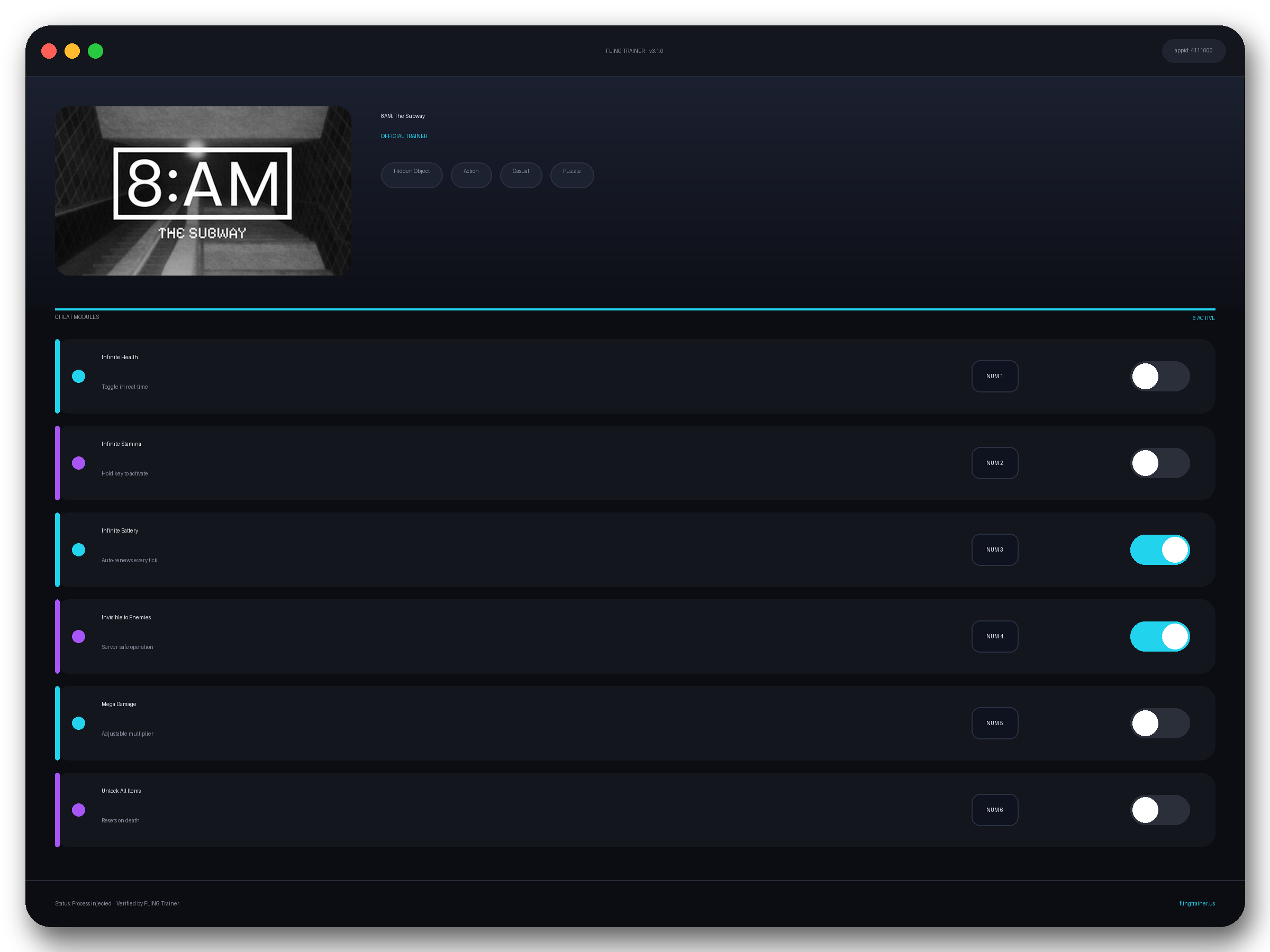
Welcome to the 8AM: The Subway trainer page on FLiNG Trainer. This page covers the complete 8AM: The Subway Trainer — options, installation, compatibility, and the most typical questions players ask.
At a Glance
- 🎮 8AM: The Subway by David Gallardo · published by HeadArrow
- 📅 9 Jul, 2026
- 🏷️ Hidden Object, Action, Casual, Puzzle, First-Person, Psychological Horror
- 🧪 Trainer tested on Steam build — Windows 10 / 11 x64
About 8AM: The Subway
Your job is simple: decide what is real. Emergency lights flash in perfect rhythm with your heartbeat. From your surveillance booth, dozens of cameras feed grainy footage of deserted platforms — empty benches, motionless trains, and movements that shouldn’t exist beneath the city. You monitor the monitors, switching between angles of dark corridors and dimly lit carriages. A shadow stands by the vending machine, vanishes when you switch views, then reappears closer — always closer. Somewhere in the distance, a train horn sounds, though none are scheduled to run. Your orders are clear: observe until 8:00 a.m., report anomalies, and stay inside the booth. Patterns emerge. Cameras show passengers that aren’t there. A train arrives without headlights, doors opening to reveal only darkness. Footsteps echo across the tunnels with no visible source. Sometimes, a reflection appears in the booth’s glass — not your own. But as the night deepens, the recordings distort. A figure paces along the same platform every hour. The tunnels breathe cold air, the fluorescent lights flicker weakly, and the rhythmic hum of the tracks fades into static. It shows the booth, your booth, with someone else already sitting there, waiting for 8:00 a.m. About This Release ” 8AM: The Subway ” confines the player to a silent underground station long past its final departure. Each hour tests your perception and nerve as the quiet hum of the subway transforms into something alive, aware, and watching you back. In the mechanical heartbeat of the city, it forces you to confront not only what you see — but what sees you. The line between exhaustion and reality blurs as you question whether the system is malfunctioning — or if something beneath the city has begun to wake. ” 8AM: The Subway ” is a psychological surveillance horror about fatigue, isolation, and the dread of routine breaking down. When dawn approaches, the tunnels fall silent again — but one of the monitors flickers on.
Official Steam page: 8AM: The Subway on Steam — published by HeadArrow.
Frequently Asked Questions
Can I request a new feature?
Yes — send a request via the comment section. Requests with a specific save file or reproduction steps are prioritized.
How do I activate it?
Launch the game first, then run the trainer as administrator. Use the listed hotkeys (F1, F2, etc.) in-game to toggle each option.
Who made this trainer?
It is compiled and QA-tested by the FLiNG Trainer team. Original game assets belong to HeadArrow.
Is there a Windows 11 build?
Yes — tested on Windows 10 and Windows 11 (x64). Older Windows 7/8 builds are not maintained.
Is the 8AM: The Subway trainer free to download?
Yes — this build is 100% free. No paid unlocks, no forced registration, no hidden fees on FLiNG Trainer.
This robust 8AM: The Subway trainer ships with 7 fully working options tailored for the horror genre. Each one is memory-driven and toggled from a hotkey, so you never leave the game window:
- Freeze Jumpscare Trigger — Prevents scripted jumps.
- Teleport To Exit — Fast-travel to chapter end.
- No Death Screen — Skips fail-state cinematics.
- Kill Monster (Button) — Instant-kill active boss monster.
- Max Ammo Stack — Ammo stack cap removed.
- Unlimited Tape Recordings — Save-tape limit removed.
- Slow Game Time — Reflex slow-mo on demand.
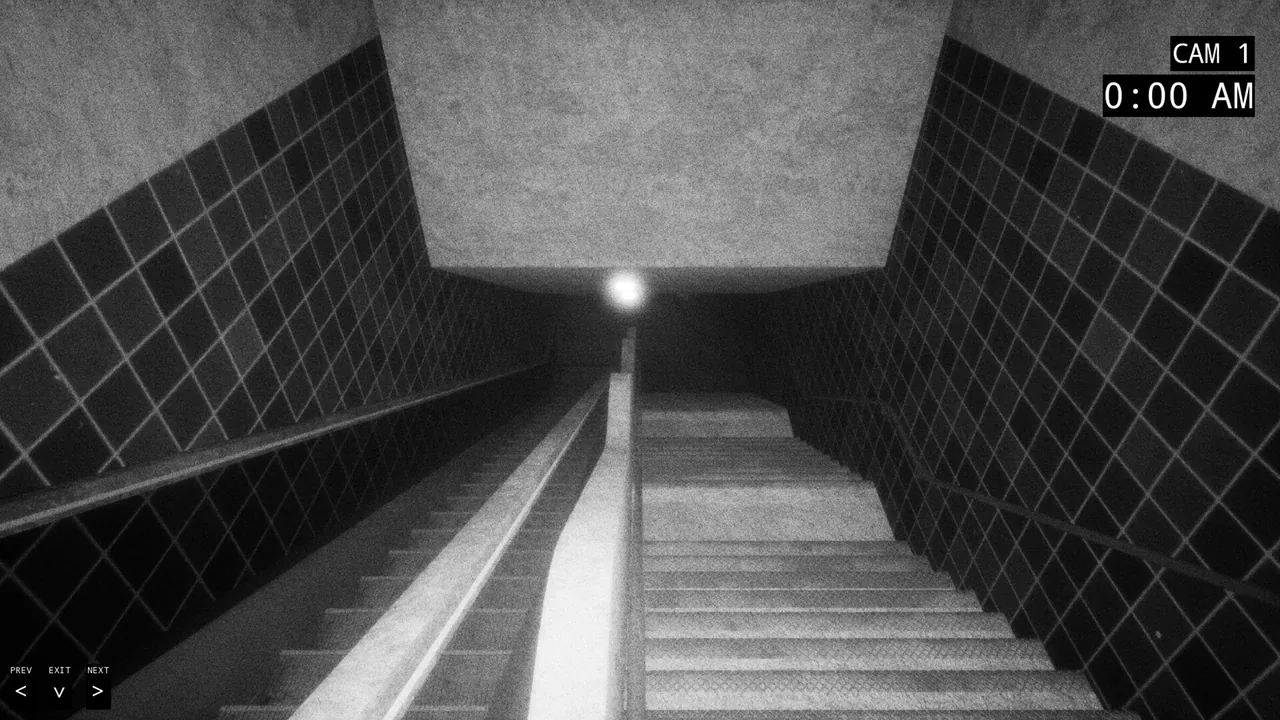
Screenshots
How to Install
- Download the archive from the link below.
- Right-click the archive and extract it with 7-Zip or WinRAR (password: flingtrainer).
- Temporarily disable your antivirus or whitelist the extracted folder.
- Launch 8AM: The Subway and load any save.
- Alt-Tab out of the game, right-click the trainer executable and choose “Run as administrator”.
- Back in-game, press the listed hotkeys (usually F1, F2, F3…) to toggle each option.
- Avoid alt-tabbing repeatedly while cheats are active — some toggles reset on window switch.
Pro Tips from the Editor
- Back up your save folder before the first run. Cheat-induced save corruption is rare but irreversible.
- If an option does nothing, the game just patched. Close the tool, wait for an updated build and re-test — old pointers stop firing after hotfixes.
- If Windows Defender deletes the exe on download, add the folder to exclusions before extracting the archive.
- Apply the trainer only on the Steam build. Pirated, cracked or region-specific copies often have shifted memory offsets and the cheats silently fail.
How This Trainer Compares
Compared to generic cheat engines, this release ships with pre-built, version-locked hotkeys — no manual pointer hunting, no CE-script imports, no waiting for community tables to catch up. The downside is less flexibility: you cannot add custom options, but the upside is near-zero setup friction and a faster patch cycle after every HeadArrow update.
Known Limitations
- Online and co-op modes are not supported. Use the trainer offline only.
- A few options (mega damage, one-hit kill) may break scripted boss encounters — toggle before cutscenes.
- Antivirus false positives are common; the trainer injects into process memory, not system files.
Related Trainers
- Cyber Psychosis Trainer
- The Incident at Galley House Trainer
- Type Hype Trainer
- AHA Asset Horde Arena Trainer
Editor: Priya Nadeau. Reviews story-driven RPGs and their cheat tables. Covers Souls-likes, JRPGs, and open-world RPG trainer releases.
Antivirus False Positive Notice
This trainer uses memory-editing technology to modify game values in real time. Some antivirus programs may flag it as suspicious — this is a known false positive common to all memory-editing software, not an indication of malware.
Verify the file yourself: Upload it to VirusTotal.com to scan with 70+ antivirus engines before running.