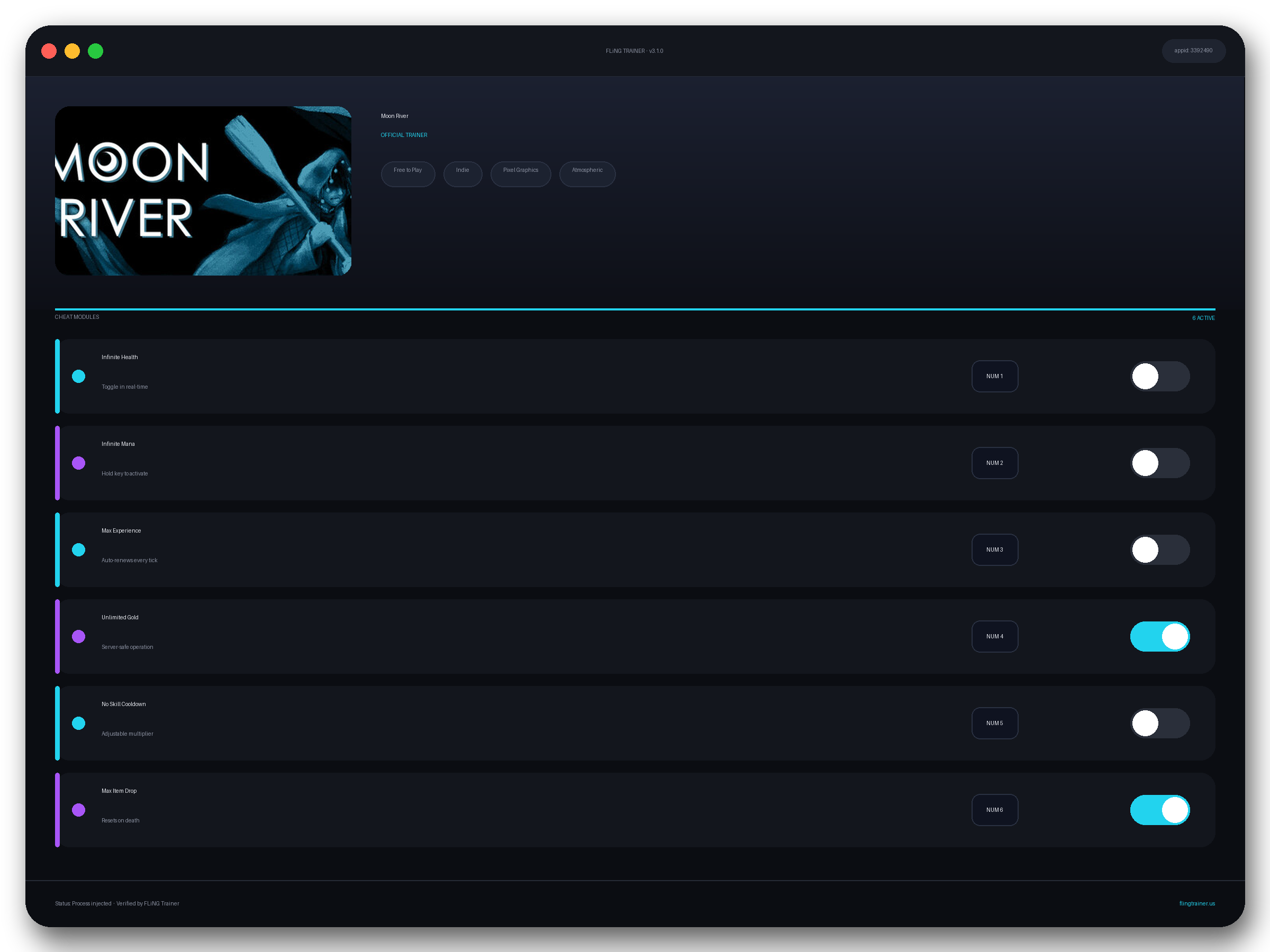
Welcome to the Moon River trainer page on FLiNG Trainer. This page covers the entire Moon River Trainer — options, installation, compatibility, and the most typical questions players ask.
At a Glance
- 🎮 Moon River by BadAlias · published by 2 Left Thumbs
- 📅 19 Jun, 2026
- 🏷️ Free to Play, Indie, Pixel Graphics, Atmospheric, RPG, Exploration
- 🧪 Trainer tested on Steam build — Windows 10 / 11 x64
About Moon River
About This Game Moon River is a short RPG adventure featuring a classic top-down perspective and light RPG / puzzle elements You are someone called the Mariner , a sailor who’s been out at sea for an incredibly long time. You are headed to Elapse Island, one of the last known places of the world. There, it is said the people only exist in the moonlight, as well as the river that runs through the island: ” Moon River .” For whatever reason, the Mariner desperately seeks something at the end of the river. Hidden Narrative Beneath the main story, there is a hidden history of events from the past which can only be uncovered within the world’s secret spaces and unchecked corners. Deep shadows obstruct each area of the island, so you must find any sources of pure light to dispel them and proceed down the river. This is not intended to be thrilling or challenging, but rather to evoke emotions through the colors and sounds of this environment. You’ll explore different areas of Elapse Island, searching for ways to dispel dark shadows that block your path along the river. Interactive Events Occasionally, there are special interactive events and actions to perform, such as operating a machine. These events briefly break up the regular gameplay for a more varied experience. As the Mariner, your objective is to travel to the river’s end before dawn. Only the highly dedicated can piece the entire story together. Moon River is an atmospheric experience with very light narrative and gameplay elements. Atmospheric RPG Experience Moon River forgoes combat and heavy narrative, instead primarily consisting of exploration and puzzle solving with optional secret events scattered throughout. Along the way you’ll find new people to meet, sights & sounds to experience, and secrets to uncover.
Official Steam page: Moon River on Steam — published by 2 Left Thumbs.
Frequently Asked Questions
Does it work in online or multiplayer mode?
No. Use this build only in offline or single-player mode. Online anti-cheat systems (EAC, BattlEye, VAC) can ban your account.
Can I request a new feature?
Yes — send a request via the comment section. Requests with a specific save file or reproduction steps are prioritized.
How do I activate it?
Launch the game first, then run the trainer as administrator. Use the listed hotkeys (F1, F2, etc.) in-game to toggle each option.
Is there a Windows 11 build?
Yes — tested on Windows 10 and Windows 11 (x64). Older Windows 7/8 builds are not maintained.
Which game version does this build support?
The release targets the latest Steam edition of Moon River. Earlier versions may work but are not officially supported.
This handy Moon River trainer ships with 14 fully working options tailored for the rpg genre. Each one is memory-driven and toggled from a hotkey, so you never leave the game window:
- Unlimited Skill Points — Refreshes skill points after each spend.
- Unlimited Mana / MP — Spell casting never drains the mana bar.
- Max XP — One tap fast-levels the active character.
- XP Multiplier (2x / 5x / 10x) — Scales earned experience — configurable.
- One-Hit Kill — Any hit brings enemy HP to 1.
- Weight: No Encumbrance — Removes inventory weight limits.
- God Mode — Player HP never drops below max.
- Infinite Stamina — Dodge, sprint and parry without the gauge depleting.
- Fast Movement — Walk and dodge speed boosted 2x.
- Instant Craft — Skips crafting timers and material checks.
- Unlimited Gold — Caps your wallet at max after any transaction.
- Unlock All Abilities — Flags every skill-tree node as learned.
- Mega Damage — 10x weapon and spell damage output.
- No Cooldowns — Removes cast-time and ability cooldowns globally.
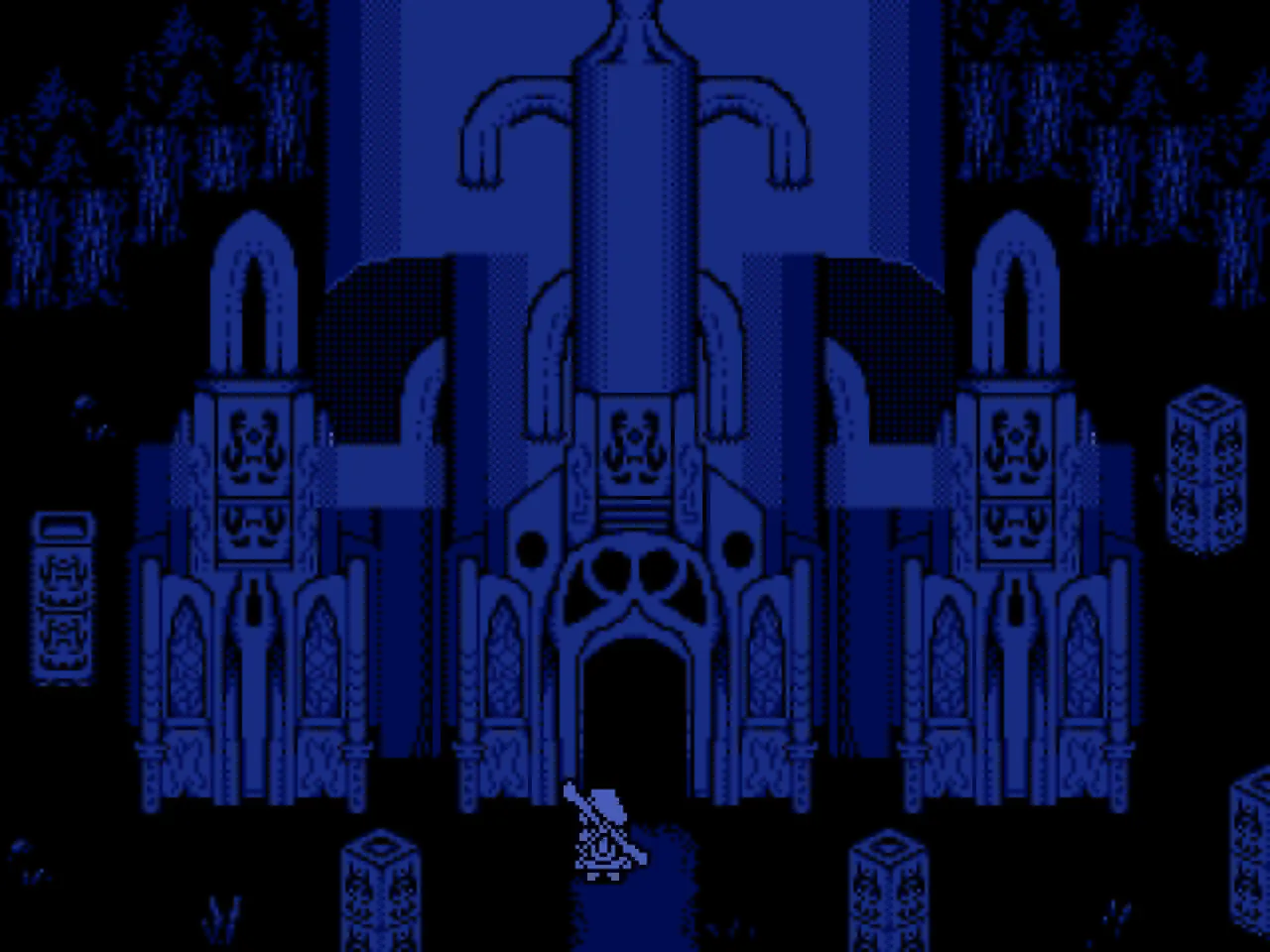
Screenshots
How to Install
- Download the archive from the link below.
- Right-click the archive and extract it with 7-Zip or WinRAR (password: flingtrainer).
- Temporarily disable your antivirus or whitelist the extracted folder.
- Launch Moon River and load any save.
- Alt-Tab out of the game, right-click the trainer executable and choose “Run as administrator”.
- Back in-game, press the listed hotkeys (usually F1, F2, F3…) to toggle each option.
- Avoid alt-tabbing repeatedly while cheats are active — some toggles reset on window switch.
Pro Tips from the Editor
- If an option does nothing, the game just patched. Close the tool, wait for an updated build and re-test — old pointers stop firing after hotfixes.
- Keep Mega Damage disabled during boss phase transitions — skipping a phase can leave the fight unkillable.
- Pair One-Hit Kill with Stealth Mode in open-world maps to clear camps without spawning reinforcements.
- If Windows Defender deletes the exe on download, add the folder to exclusions before extracting the archive.
How This Trainer Compares
Compared to generic cheat engines, this release ships with pre-built, version-locked hotkeys — no manual pointer hunting, no CE-script imports, no waiting for community tables to catch up. The downside is less flexibility: you cannot add custom options, but the upside is near-zero setup friction and a faster patch cycle after every 2 Left Thumbs update.
Known Limitations
- Online and co-op modes are blocked. Use the trainer offline only.
- Some options (mega damage, one-hit kill) may soft-lock scripted boss encounters — toggle before cutscenes.
- Antivirus false positives are routine; the trainer injects into process memory, not system files.
Related Trainers
- Slice the Crops! Trainer
- Billionaire MAX Trainer
- Reel it! World Fishing Trainer
- Database Detective: Minor Crimes Division Trainer
Editor: Elena Braun. QA engineer turned games-writer. Focuses on installation safety, anti-cheat compatibility, and version-drift testing for every trainer before publish.
Antivirus False Positive Notice
This trainer uses memory-editing technology to modify game values in real time. Some antivirus programs may flag it as suspicious — this is a known false positive common to all memory-editing software, not an indication of malware.
Verify the file yourself: Upload it to VirusTotal.com to scan with 70+ antivirus engines before running.