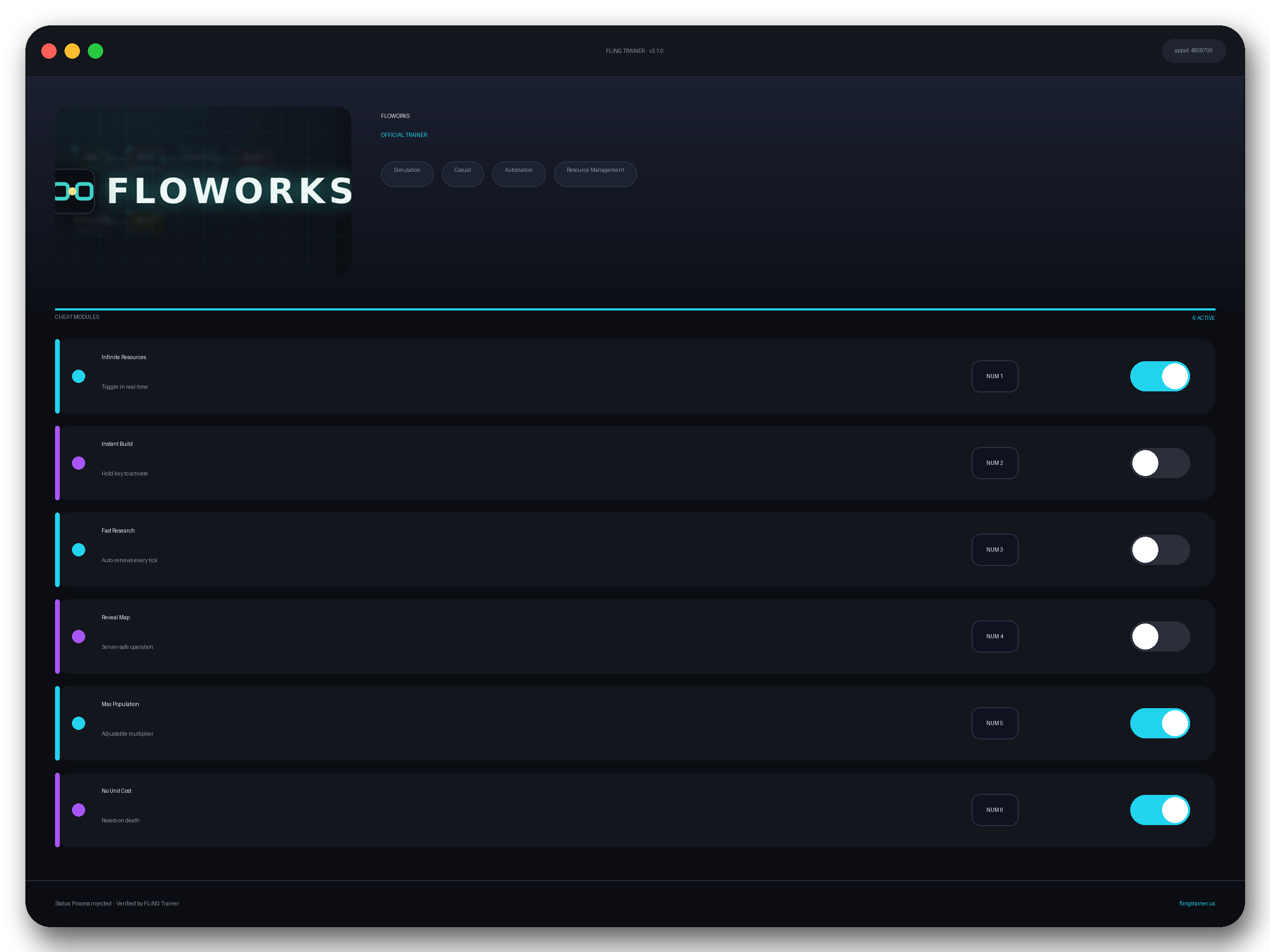
Welcome to the FLOWORKS trainer page on FLiNG Trainer. This page covers the entire FLOWORKS Trainer — options, installation, compatibility, and the most frequent questions players ask.
At a Glance
- 🎮 FLOWORKS by QUENCH FORGE · published by QUENCH FORGE
- 📅 10 Jul, 2026
- 🏷️ Simulation, Casual, Automation, Resource Management, Strategy, Idler
- 🧪 Trainer tested on Steam build — Windows 10 / 11 x64
About FLOWORKS
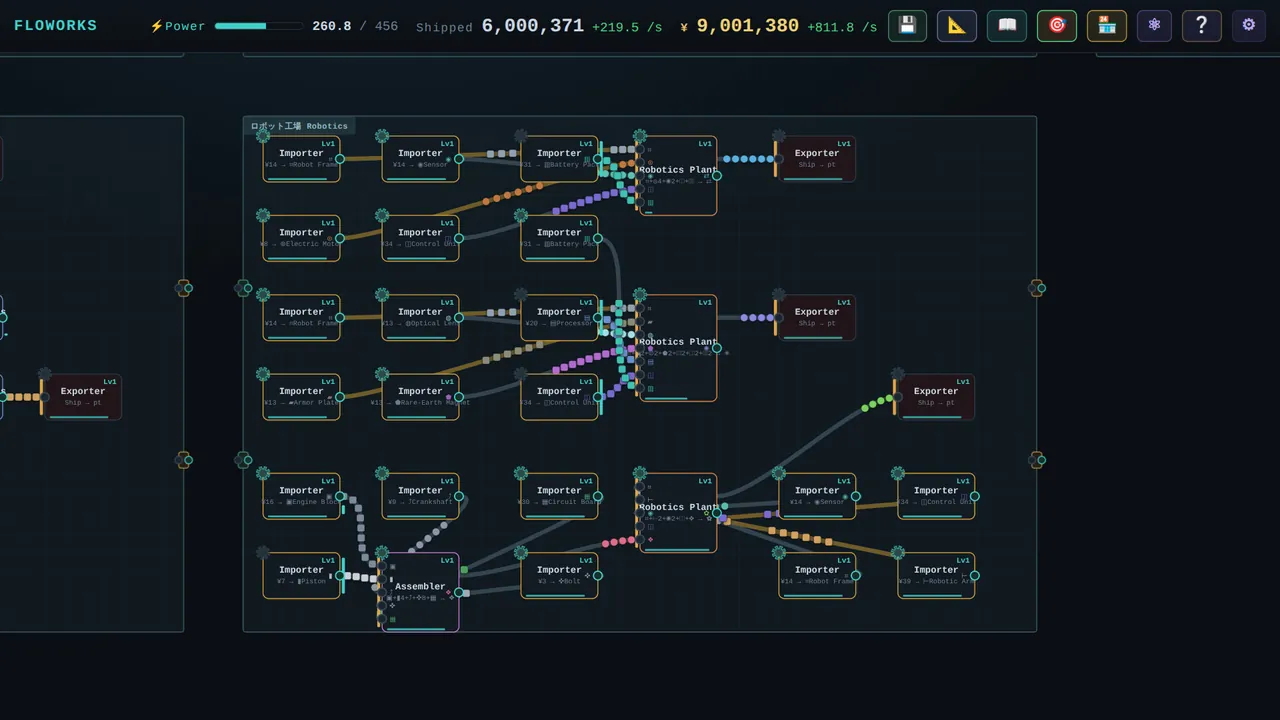
Five minutes or five hours — tinker briefly, or disappear into “just one more line.” Is it for you? Materials flow along the wires you draw and change shape at every machine — mine, smelt, build, ship — all the way up to a robotics empire. FLOWORKS is an automation × idle factory builder where you design your factory as a living node graph. Watch it flow. The “aha” is the game Place a machine, draw a wire, and raw materials start flowing and transforming on their own. When a line jams, the bottleneck literally glows — and that little “ah, THAT’s the problem,” followed by the fix, is the loop you’ll keep chasing. Every factory is a puzzle you wrote yourself: untangle it, parallelize it, make it hum. Diagnose, parallelize, and optimize — a living engineering puzzle. No reflexes required. Or optimize obsessively — shave power and wire distance, balance throughput, and push the deep production tree to its endgame. The ceiling is high. About This Game Wire your factory. If you love the build-a-machine-that-builds-itself feeling of factory and automation games, the steady number-go-up of idle/incremental, or simply the quiet satisfaction of turning a tangled system into something elegant — FLOWORKS is made for you. No timers, no fail screens; running low on power just slows you down, it never punishes you. Just you, a blank canvas, and materials waiting to flow. 🔎 Bottlenecks at a glance — jammed nodes glow and buffers back up. Connect nodes and watch materials flow, changing from raw → intermediate → final at each machine. Features 🏭 Lines you wire yourself — Mine → Smelt → Build → Ship. Play at your own pace Relax and idle — lay down a line, close the title, come back to progress. ⚡ Power × distance — longer wires draw more power, so compact, clever layouts win. 🗺 Economy map — sell products to towns for ¥, open trade routes to neighbors, and watch populations grow and demand more. 📈 A deep production tree — steel → electronics → chemicals → aluminium → engines → robots
Official Steam page: FLOWORKS on Steam — published by QUENCH FORGE.
Frequently Asked Questions
Is there a Windows 11 build?
Yes — tested on Windows 10 and Windows 11 (x64). Older Windows 7/8 builds are not maintained.
Is the FLOWORKS trainer free to download?
Yes — this build is 100% free. No paid unlocks, no forced registration, no hidden fees on FLiNG Trainer.
How do I activate it?
Launch the game first, then run the trainer as administrator. Use the listed hotkeys (F1, F2, etc.) in-game to toggle each option.
Does it work in online or multiplayer mode?
No. Use this build only in offline or single-player mode. Online anti-cheat systems (EAC, BattlEye, VAC) can ban your account.
Which game version does this build support?
The release targets the latest Steam edition of FLOWORKS. Earlier versions may work but are not officially supported.
This powerful FLOWORKS trainer ships with 11 fully working options tailored for the simulation genre. Each one is memory-driven and toggled from a hotkey, so you never leave the game window:
- Infinite Items — Locks consumable stacks at max.
- Unlimited Money — Sets wallet counter to max after any transaction.
- Infinite Stamina — Freezes stamina and sprint gauges.
- Max XP — Fast-levels your character.
- One-Hit Kill — Forces enemy HP to 1 on first hit.
- Mega Damage — Multiplies your outgoing damage by 10x.
- Unlimited Health — Auto-refills HP each frame while toggled.
- Super Speed — Boosts move speed 2–4x.
- Instant Craft — Skips crafting animation and material-check delays.
- God Mode — Locks your health pool at maximum.
- Unlimited Skill Points — Refreshes skill points after each spend.
Screenshots
How to Install
- Download the archive from the link below.
- Right-click the archive and extract it with 7-Zip or WinRAR (password: flingtrainer).
- Temporarily disable your antivirus or whitelist the extracted folder.
- Launch FLOWORKS and load any save.
- Alt-Tab out of the game, right-click the trainer executable and choose “Run as administrator”.
- Back in-game, press the listed hotkeys (usually F1, F2, F3…) to toggle each option.
- Avoid alt-tabbing repeatedly while cheats are active — some toggles reset on window switch.
Pro Tips from the Editor
- Keep Mega Damage disabled during boss phase transitions — skipping a phase can leave the fight unkillable.
- Back up your save folder before the first run. Cheat-induced save corruption is rare but irreversible.
- Quick-save in FLOWORKS just before toggling any XP or economy cheat — that way a rogue multiplier never snowballs your progression.
- If Windows Defender deletes the exe on download, add the folder to exclusions before extracting the archive.
How This Trainer Compares
Compared to generic cheat engines, this release ships with pre-built, version-locked hotkeys — no manual pointer hunting, no CE-script imports, no waiting for community tables to catch up. The downside is less flexibility: you cannot add custom options, but the upside is near-zero setup friction and a faster patch cycle after every QUENCH FORGE update.
Known Limitations
- Online and co-op modes are unsupported. Use the trainer offline only.
- A few options (mega damage, one-hit kill) may break scripted boss encounters — disable before cutscenes.
- Antivirus false positives are expected; the trainer injects into process memory, not system files.
Related Trainers
- SonderSoft Soccer: Monkeys VS Robots! Trainer
- SnowFlow Trainer
- Prince of Vibe Code Trainer
- Nivalis Nights Trainer
Editor: Elena Braun. QA engineer turned games-writer. Focuses on installation safety, anti-cheat compatibility, and version-drift testing for every trainer before publish.
Antivirus False Positive Notice
This trainer uses memory-editing technology to modify game values in real time. Some antivirus programs may flag it as suspicious — this is a known false positive common to all memory-editing software, not an indication of malware.
Verify the file yourself: Upload it to VirusTotal.com to scan with 70+ antivirus engines before running.