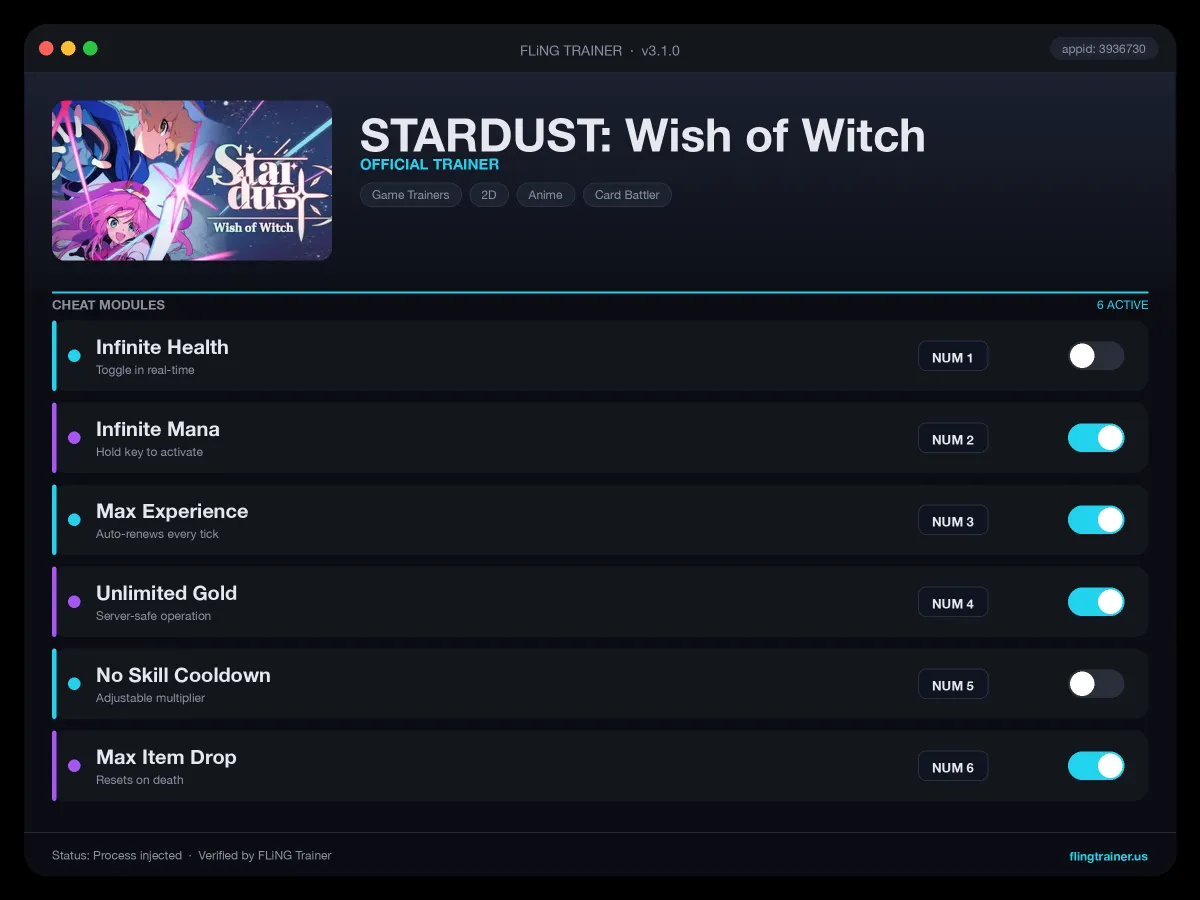
Welcome to the STARDUST: Wish of Witch trainer page on FLiNG Trainer. The following review covers the entire STARDUST: Wish of Witch Trainer — options, installation, compatibility, and the most common questions players ask.
At a Glance
- 🎮 STARDUST: Wish of Witch by Kniv Studio Co., Ltd. · published by Kniv Studio Co., Ltd.
- 📅 28 May, 2026
- 🏷️ Turn-Based Tactics, Tactical RPG, JRPG, Card Battler, Turn-Based Strategy, Party-Based RPG
- 🧪 Trainer tested on Steam build — Windows 10 / 11 x64
About STARDUST: Wish of Witch
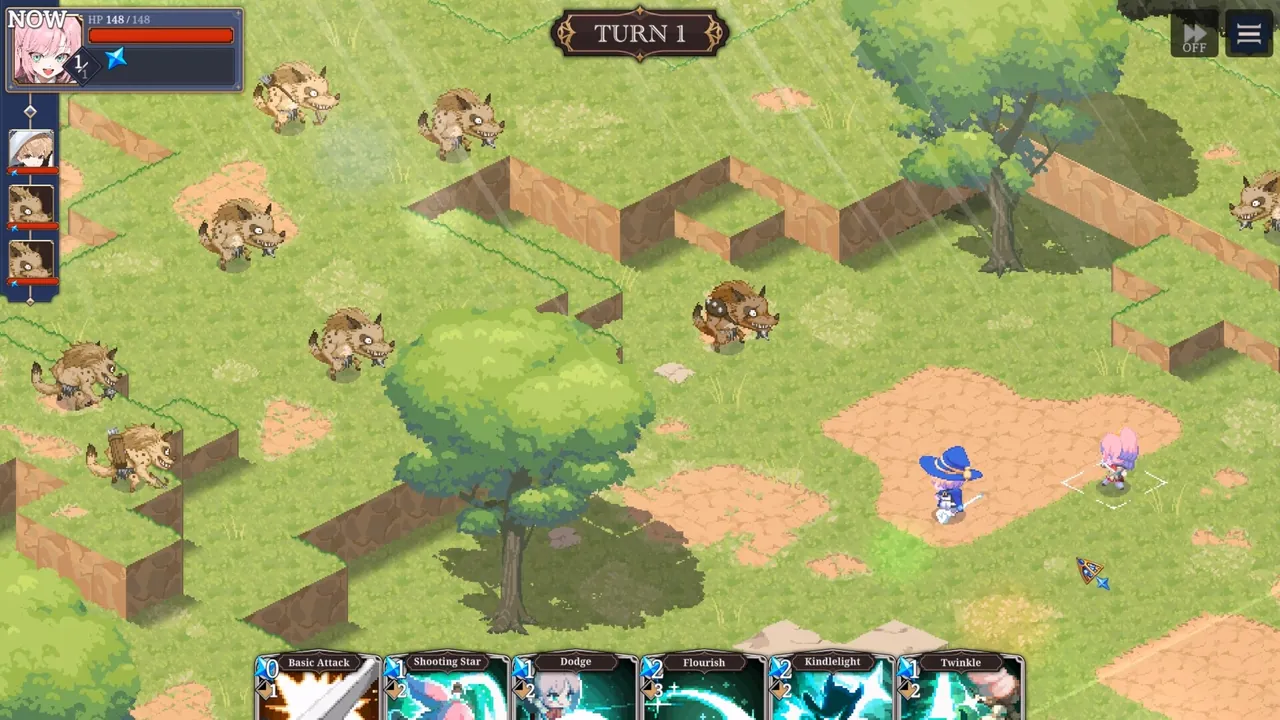
About This Game STARDUST: Wish of Witch is a turn-based single-player pixel SRPG that reimagines the charm of classic strategy RPGs for the modern era. Players traverse battlefields in an adventure centered on stars and fate, growing alongside characters with distinct personalities and stories. A delicately breathing pixel world combined with dramatic presentation delivers a sweeping fantasy journey. A World of Adventure and the Star That Grants Wishes The secrets bound to the stars, the journey of a boy and a girl—and a story of growth along the way. The tomboyish warrior “Star” and her childhood friend, the mage “Yu”, set out on an adventure! Steps Taken with Companions Toward the Origin of the Stars Form a party with colorful companions and draw closer to the truth hidden within the stars. Strategic Depth That Carries on the SRPG Tradition Building on the fundamentals of turn-based tactics, a card system expands combat depth and variables even further. Vivid Pixel Life Brought to the Screen Full sprite animations paired with cinematic direction create a deep sense of immersion, as if you were adventuring in a living world. Savor the climactic moments that shake the battlefield. Thrilling Turn-Based Battles Forged by Counters and Combos Read your opponent’s moves and turn the tide with counters and combos. Every decision can decide victory or defeat—tense moments await. 2D Animated Set Pieces That Crown the Battle Brilliant 2D animations unfold when ultimate skills are unleashed. Experience refined strategy that both SRPG veterans and newcomers can enjoy. What awaits them at the end of the road? And along that journey, your story is completed.
Official Steam page: STARDUST: Wish of Witch on Steam — published by Kniv Studio Co., Ltd..
Frequently Asked Questions
How do I activate it?
Launch the game first, then run the trainer as administrator. Use the listed hotkeys (F1, F2, etc.) in-game to toggle each option.
Will this trainer trigger my antivirus?
Some antivirus programs flag trainers as false positives because they modify running-game memory. Temporarily disable real-time protection or whitelist the folder before launching.
Which game version does this build support?
The release targets the latest Steam edition of STARDUST: Wish of Witch. Earlier versions may work but are not officially supported.
Is there a Windows 11 build?
Yes — tested on Windows 10 and Windows 11 (x64). Older Windows 7/8 builds are not maintained.
Can I request a new feature?
Yes — send a request via the comment section. Requests with a specific save file or reproduction steps are prioritized.
This reliable STARDUST: Wish of Witch trainer ships with 10 fully working options tailored for the rpg genre. Each one is memory-driven and toggled from a hotkey, so you never leave the game window:
- Mega Damage — Outgoing damage multiplier.
- No Companion Fall Damage — Team mates survive cliff jumps.
- Unlock All Crafting Recipes — Every recipe flagged as known.
- Freeze Quest Timers — Timed side quests will not fail.
- Unlimited Crafting Materials — Wood, iron, essence, gems — infinite stock.
- Infinite Skill Cooldowns Removed — Ultimates and specials ready every encounter.
- Unlimited Spell Charges — Scrolls and wands never expire.
- Max Attribute Points — Strength, dexterity, intelligence at cap.
- Companion God Mode — Pet and party AI also takes no damage.
- Set Experience Multiplier — Configurable XP scaling (x2 up to x10).
Screenshots
How to Install
- Download the archive from the link below.
- Right-click the archive and extract it with 7-Zip or WinRAR (password: flingtrainer).
- Temporarily disable your antivirus or whitelist the extracted folder.
- Launch STARDUST: Wish of Witch and load any save.
- Alt-Tab out of the game, right-click the trainer executable and choose “Run as administrator”.
- Back in-game, press the listed hotkeys (usually F1, F2, F3…) to toggle each option.
- Avoid alt-tabbing repeatedly while cheats are active — some toggles reset on window switch.
Pro Tips from the Editor
- Apply the trainer only on the Steam build. Pirated, cracked or region-specific copies often have shifted memory offsets and the cheats silently fail.
- If an option does nothing, the game just patched. Close the tool, wait for an updated build and re-test — old pointers stop firing after hotfixes.
- Back up your save folder before the first run. Cheat-induced save corruption is rare but irreversible.
- Keep Mega Damage disabled during boss phase transitions — skipping a phase can leave the fight unkillable.
How This Trainer Compares
Compared to generic cheat engines, this release ships with pre-built, version-locked hotkeys — no manual pointer hunting, no CE-script imports, no waiting for community tables to catch up. The downside is less flexibility: you cannot add custom options, but the upside is near-zero setup friction and a faster patch cycle after every Kniv Studio Co., Ltd. update.
Known Limitations
- Online and co-op modes are not supported. Use the trainer offline only.
- Some options (mega damage, one-hit kill) may soft-lock scripted boss encounters — disable before cutscenes.
- Antivirus false positives are expected; the trainer injects into process memory, not system files.
Related Trainers
Editor: Kenji Adler. Former modder. Writes feature breakdowns, hotkey guides, and deep-dive reviews of single-player cheat suites on Windows.
Antivirus False Positive Notice
This trainer uses memory-editing technology to modify game values in real time. Some antivirus programs may flag it as suspicious — this is a known false positive common to all memory-editing software, not an indication of malware.
Verify the file yourself: Upload it to VirusTotal.com to scan with 70+ antivirus engines before running.